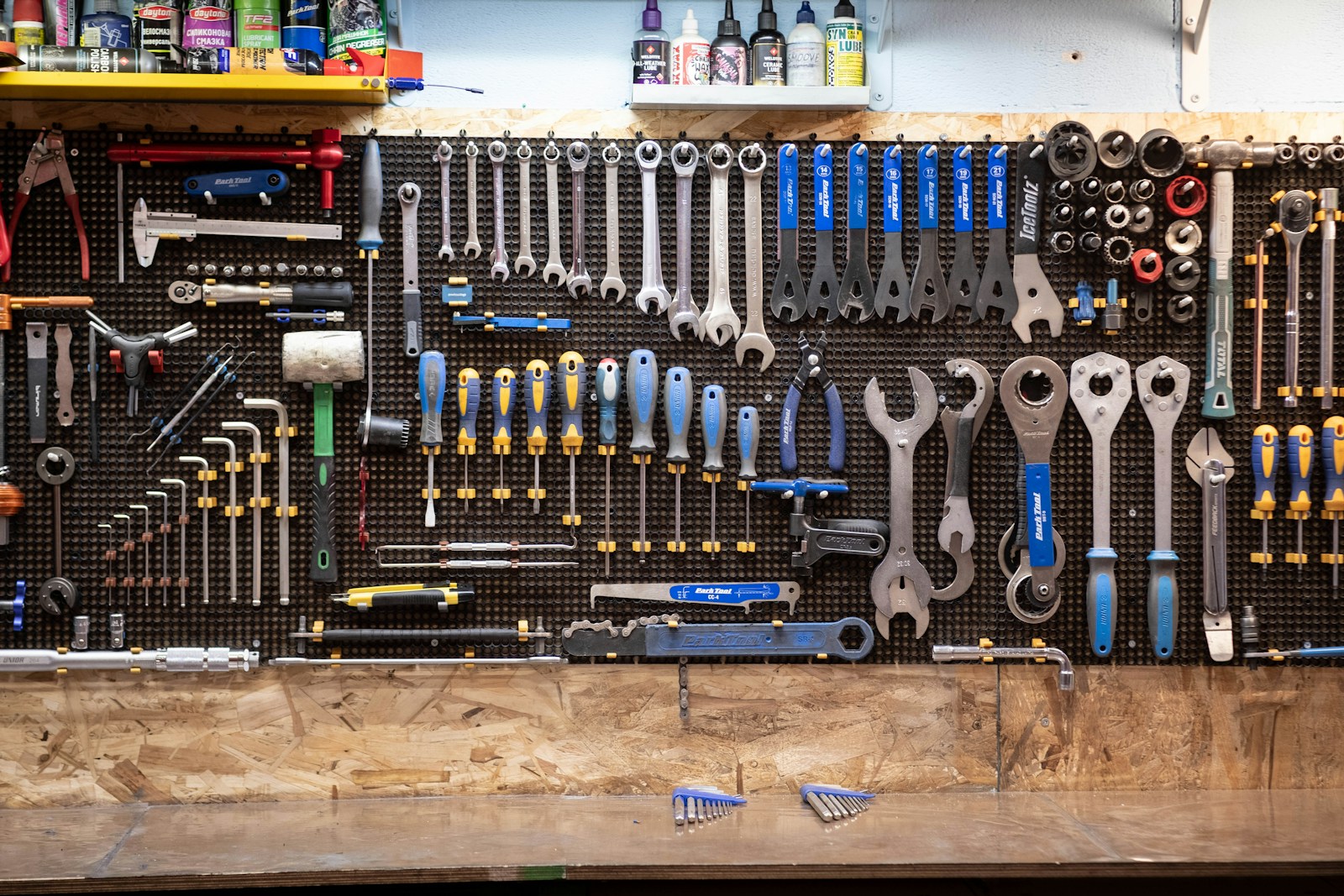
Good tools should make work feel lighter. They should save time, reduce small problems, and help you keep track of what matters.
You do not need every new app or gadget. A small set of tools that you know well is often better than a huge stack you barely use.
This guide looks at many kinds of useful tools. Some live on your phone or computer. Others sit on your desk, in a drawer, or in a toolbox.
The best choice depends on the job. A note app may help with ideas. A task board may help with projects. A simple hand tool may save a trip across the room.
The goal is not to collect tools. The goal is to remove friction from the work you already do.
Use this list as a menu. Pick a few ideas, test them, and keep only the ones that earn a place in your routine.
Start With One Place for Notes
A good note tool gives your ideas one home. That can be a simple notes app, a notebook, or a larger workspace such as Notion or OneNote.
The exact app matters less than the habit. Pick one place. Put ideas there. Make it easy to open on the devices you use most.
If your mind feels crowded, our guide on simple ways to train your attention can help you reduce the urge to jump between tasks and tabs.
Use a Simple Task System
Tasks become easier when you can see them. A paper list works. So do digital boards and task apps.
Trello, Asana, ClickUp, and similar tools can help you group jobs by project, due date, or person. For a small team, the main benefit is simple ownership: everyone can see who is doing what.
Keep the system easy. Too many fields, labels, and views can turn the task manager into another task.
Let AI Handle First Drafts and Repetitive Work
AI tools can help with outlines, summaries, rough drafts, formulas, code, and research. They work best when you give them a clear job and check the result.
They are useful for speed, but they still need judgment. Facts can be wrong. Code can fail. A polished answer can still miss the point.
Our look at AI-powered productivity tools explores more ways these helpers can fit into everyday work.
Automate Small Steps That Repeat
Some work is boring because it repeats. Copy a form entry. Send a notice. Move a file. Add a task.
Automation tools such as Zapier, Make, and built-in app rules can handle many of those small moves. Start with one clear process that you already do often.
Do not automate a messy process just because you can. Make the steps clear first. Then automate the parts that are safe and predictable.
Protect the Accounts Behind Your Work
A fast workflow is not useful if one weak password puts the whole system at risk.
The U.S. Cybersecurity and Infrastructure Security Agency recommends strong, unique passwords, a password manager, and multifactor authentication. Its Secure Our World guidance explains these steps in plain language.
A password manager can create and store unique passwords. MFA adds another check before someone can enter an account.
Use Coding Tools as Helpers, Not Autopilots
Code editors, version control, debuggers, and AI coding assistants can all speed up development. The useful part is not just writing code faster. It is finding errors sooner and keeping changes easier to review.
For AI-generated code, read the change before you ship it. Run tests. Check security. Make sure you understand what the new code does.
Make the Desk Work for You
A few physical tools can remove daily annoyances. A good charger, cable clips, a surge protector, a label maker, and a small screwdriver set can keep a work area easier to use.
A label maker on Amazon can help with bins, cables, shelves, and files. Clear labels save time when several people share the same space.
For website builders, a lean tool stack matters too. This Wrighthost guide to a clean WordPress stack shows the same basic idea: use simple tools first and add more only when there is a real need.
Keep a Few Hands-On Tools Nearby
Not every problem needs an app. A compact multi-tool, tape measure, flashlight, and driver set can solve many small jobs at home or work.
If you want one small kit instead of several loose tools, you can browse compact multi-tools on Amazon.
Tool choice also depends on the job. Our roundup of favorite new and new-to-me tools is another place to compare practical gear.
Build a Small Stack That Stays Useful
- Pick one main note system.
- Pick one task or project system.
- Add one AI helper for work you do often.
- Use a password manager and MFA.
- Keep a small set of desk and hand tools nearby.
- Remove tools that create more work than they save.
A tool earns its place when it makes a real job easier. That is a better test than hype, price, or how many features it has.
Start small. Learn the tools you keep. Let them handle the dull parts, and save your attention for the work that needs you.