Short-form video keeps drawing enormous attention, but the ease of reposting and altering clips creates a problem for creators who want to prove where their footage came from.
A visible watermark can help viewers recognise a channel. It cannot, by itself, prove that a clip is authentic, unedited or posted with the owner’s permission.
Know what a watermark can do
A watermark identifies a brand or account on screen. It may discourage casual copying, but someone can crop, blur or replace it.
Use watermarks as one part of a publishing workflow, not as a complete ownership or authenticity system.
Keep original camera files
Preserve the original recording, date information and project files when possible. These records can help establish how a published edit was produced.
Store copies separately from the editing workstation. A corrupted drive or lost login should not erase the only copy of a valuable recording. For context, see our earlier guide.
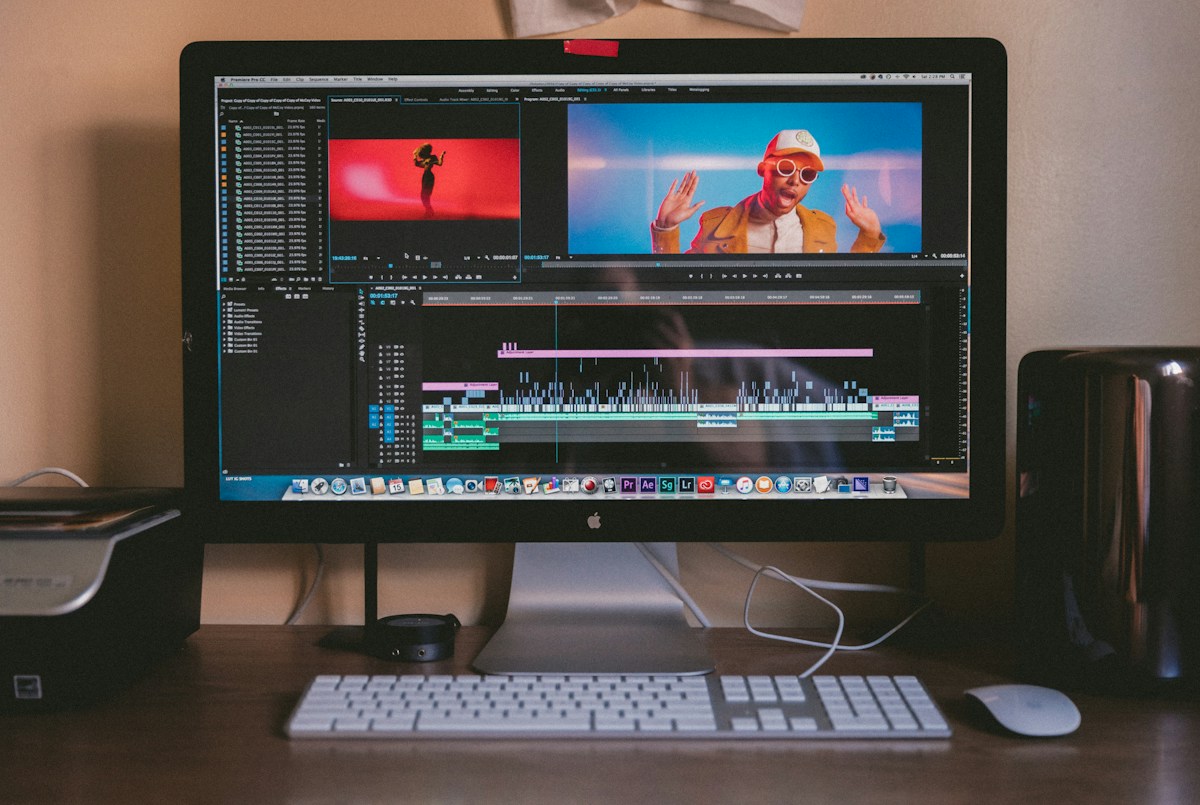
Document the editing process
Save project versions and note major changes, especially when footage is used in journalism, product testing or a disputed event.
A short description of cuts, captions and altered audio can prevent confusion later. Transparency need not mean publishing every private working file. We also discuss related practical considerations in this companion article.
Understand provenance standards
Content Credentials and C2PA are designed to carry information about media origins and edits in supported workflows. Adoption varies by device and platform.
A missing credential does not prove a clip is fake, and a credential does not automatically make every claim in a video true. A useful cross-topic comparison appears in this related article from another site.
Publish with context
Captions should explain where, when and under what conditions a scene was filmed. Avoid making a dramatic moment appear to show something it does not.
When sharing someone else’s footage, obtain appropriate rights and identify the source accurately. Consult the primary reference for more detail.
Build a resilient archive
Use a consistent naming convention, keep a separate backup and review access permissions. Make sure a collaborator can locate the right master file without relying on a single person’s memory.
A creator’s reputation is easier to protect when the original footage and the history of the edit remain available.
What to do next
Choose one practical improvement to test this week. Record the starting conditions, what you changed and what actually happened. Repeating a useful process is better than relying on a dramatic headline or an isolated anecdote.
What to preserve from a shoot
Keep original camera clips, audio recordings, release forms where appropriate and a record of when and where footage was captured. Organise the files so the final export can be traced back to its sources.
A clear folder structure may be more useful than expensive software. Separate raw media, working projects, graphics, music licences and final deliverables.
How to describe an edited clip
A short caption can explain whether a video is a continuous take, a compilation, a reenactment or a demonstration. Viewers are more likely to understand the context when the description is specific.
Do not imply that a sound, reaction or event occurred at the same time if it was added later. Context is especially important when footage is presented as evidence.
A realistic backup routine
Use at least two copies of important media and keep one copy separate from the main editing machine. Periodically test that archived files can be opened and that project dependencies are available.
Access controls matter too. Give collaborators the permissions they need, revoke access when a project ends and keep recovery information in a secure place.