Short-form video is easy to publish and surprisingly difficult to preserve. A clip may be watched thousands of times on one platform, then disappear when an account is suspended, a phone is replaced or a project folder is deleted. Creators who care about the long-term value of their work need a plan that survives changes to the apps they use.
The challenge is not simply keeping a finished MP4 file. A useful archive also preserves the original footage, permission records, project settings, captions and information about where a clip was published. Those details can matter when a platform asks about originality, a customer requests revisions or a creator wants to reuse material in a longer documentary.
Start with the camera originals
Keep the files straight from the camera or phone before importing them into an editing app. A social-media download is usually a poor substitute because it may have been compressed, resized or stripped of useful metadata. Give each shoot a folder with a date and short description so that footage remains findable months later.
Do not rely on the phone’s photo library as the only copy. Syncing can fail, storage can fill and accidental deletion can spread across devices. Transfer important recordings to a separate drive or trusted cloud account, then check that the files open correctly. A backup that has never been tested is only a hope.
Keep an editable project
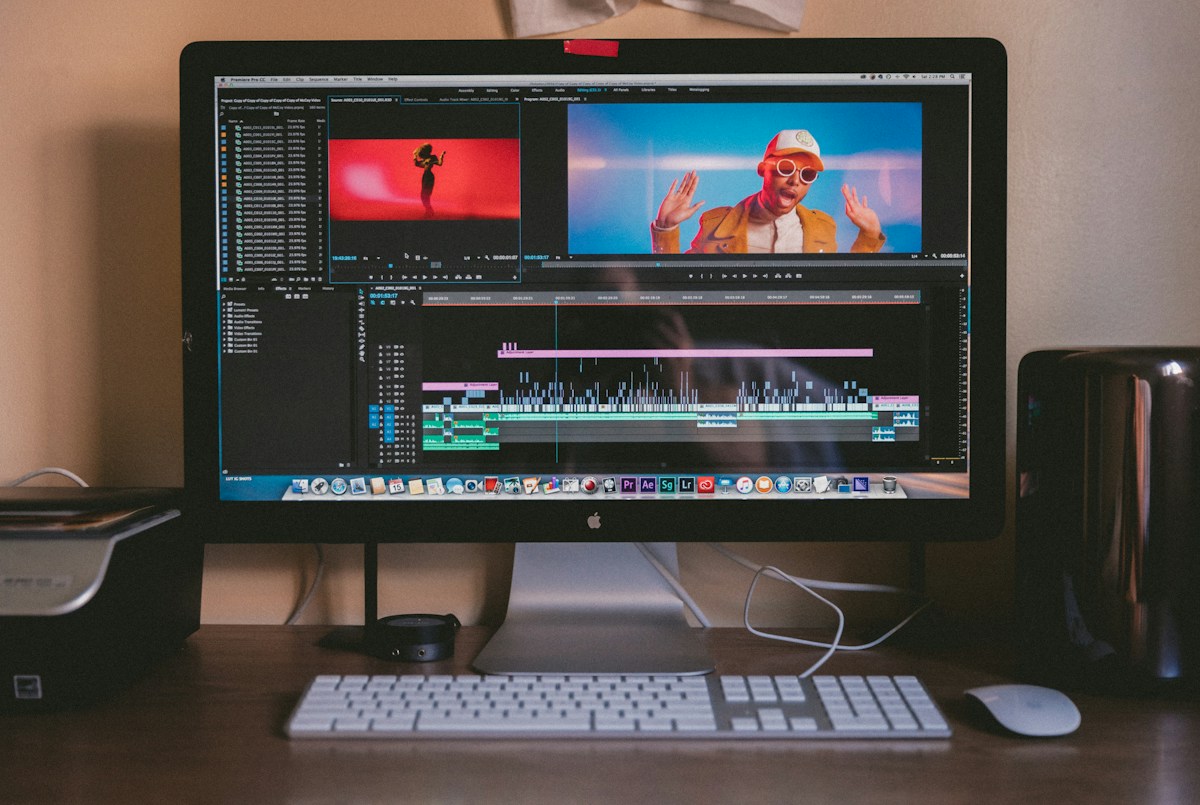
Save the project file from your editor, but remember that a project file often references media stored elsewhere. If those source clips are missing, the timeline may open with empty placeholders. Collect the media into a project archive when your editing software supports it, and note the software version and any third-party effects.
Export a high-quality master in addition to the compressed version intended for a specific platform. A master can be adapted later to different aspect ratios or caption formats without repeatedly re-encoding the lowest-quality copy. Keep a separate version of the finished file with captions burned in when that is important for accessibility.
Record permission and attribution
A clip can be technically original and still contain material that requires permission. Music, stock footage, logos, locations and identifiable participants can create rights questions. Keep licences, releases and correspondence with the relevant project rather than scattered across an email inbox. Do not assume that a sound available in one app is licensed for every use outside that app.
The earlier Content Credentials guide for video creators explains why provenance is worth documenting. Credentials and metadata can help establish a record, but they are not a substitute for lawful rights or honest descriptions.
Treat captions as part of the archive
Save a transcript and any subtitle files alongside the video. These make footage easier to search, improve accessibility and help future editors locate a particular quotation. If an automatic transcription service was used, review the output before publishing. Names, technical terms and numbers are frequent sources of error.
Create a simple text document containing the working title, publication date, platform links, description and keywords. If the clip is part of a series, include the episode or project number. This small habit can save considerable time when a customer asks for an old video or a platform changes its search interface.
Use a sensible folder structure
One practical structure has separate folders for originals, audio, graphics, project files, exports and permissions. Do not rename original clips after an editor has linked to them unless you know how to relink safely. Use dates in a consistent format and avoid ambiguous filenames such as final2-reallyfinal.mp4.
An archive index can be a spreadsheet with a row for each project. Include the storage location, owner, rights notes and backup status. Keep it simple enough that you will actually maintain it. A perfect database abandoned after a week is less valuable than a basic index updated after each shoot.
Apply the three-copy principle
A common backup approach is to maintain multiple copies on different media, with one copy stored separately from the main workspace. The exact configuration depends on budget and sensitivity. A portable drive stored beside the editing computer protects against some mistakes but not against theft, fire or flooding.
Cloud storage offers convenience, yet account access and recurring costs create other risks. Enable strong authentication, preserve recovery methods and check how long deleted files remain recoverable. For especially important footage, consider an additional offline copy that cannot be altered by ransomware or a compromised account.
Test recovery before it matters
Choose a sample project and restore it to another computer or folder. Confirm that the original media plays, the editing timeline opens, captions are present and the master export matches expectations. Write down what failed and fix the archive process. A quarterly test is more informative than a dashboard claiming that a backup job ran successfully.
Website owners face similar questions about restoring their work. The WordPress restore-test checklist demonstrates the same principle in a different setting: recoverability matters more than a green status light.
Protect private footage
Raw footage can include addresses, faces, private conversations and other details that never appear in the final edit. Limit access to people who need the files, and use appropriate encryption for sensitive projects. When sharing review copies, consider watermarking, expiration dates and access permissions. Avoid publishing unedited footage merely because it is already stored online.
Keep records of any deletion or retention obligations. Some clients may require footage to be destroyed after a project ends; others may require long-term retention. Agree on those terms before the shoot, not after a dispute. Privacy and contract requirements should guide the archive rather than a blanket rule to keep everything forever.
Prepare for platform changes
A creator can build a substantial audience and still lose access to a platform account. Preserve publication records and a list of important links, but build an audience relationship that does not depend entirely on one service. Maintain a website, mailing list or other lawful communication channel where appropriate.
YouTube’s copyright and content removal guidance is a reminder that platform rules and rights issues can affect availability. Understand the rules for each service, and do not treat a successful upload as proof that a file will remain accessible indefinitely.
Make archiving part of publishing
Before posting, check that the original footage, project, master export, captions and rights records have been stored. After posting, record the public link and any relevant performance notes. The whole process can take only a few minutes once a repeatable checklist exists.
The real value of a video archive is flexibility. It allows a creator to correct a mistake, make a new edit, prove the source of a recording or recover after equipment failure. The best time to build that system is before a popular clip becomes impossible to recreate.